Windows tray utility · Precision Touchpad
The feature Windows forgot to ship
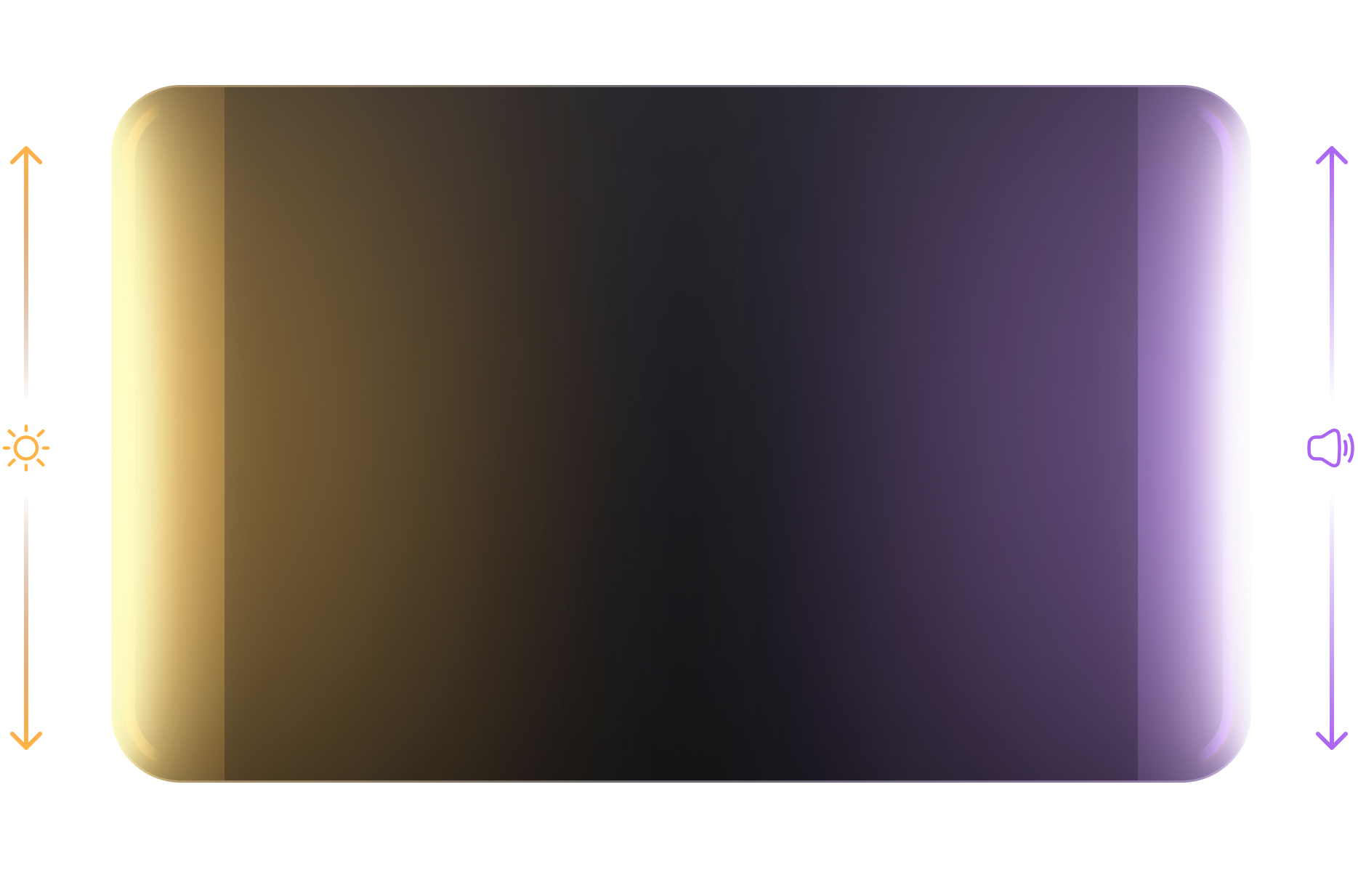
Slide up or down on either edge of your touchpad.
Left—Brightness.
Right—Volume.
You do this dozens of
times a day.
Brightness down. Volume up. Brightness back up.
Meeting too loud. Music too quiet. Video too dark. Music still too quiet.
None of it is hard. It's just another annoyance in a reality filled with annoyances.
Your touchpad is bloody huge.
Modern touchpads are as big as the margin between "quick question" and a 40-minute meeting that follows.
Yet we mostly use the center area.
The edges deserve love too!
With EdgeSlide you control brightness on the left edge and volume on the right.
It knows when you mean it
Not while scrolling.
Not while pinching.
Not while typing.
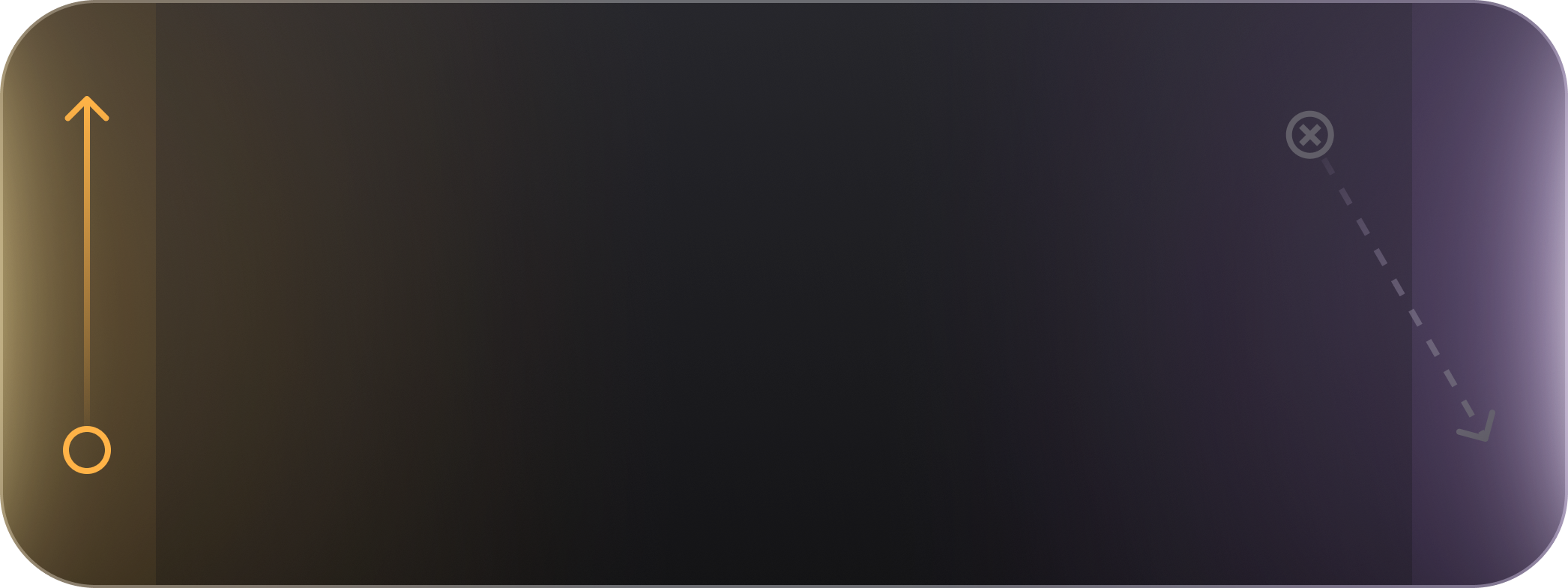
EdgeSlide only fires if your finger starts at the edge—not if it passes through one. It stands down when you're typing and when you use multiple fingers. Scroll, click, pinch, swipe—none of it is affected. No accidental brightness changes. No phantom volume spikes.
How it works
Run it.
Forget it's there.
Uhh, questions
Fine. Let's get it over with.
I certainly hope so. EdgeSlide needs a Windows Precision Touchpad—standard on most laptops made after 2016. To check: Settings → Bluetooth & devices → Touchpad. If you see gesture options there, you should be good.
No. It only fires when your finger starts from the edge. Scrolling, clicking, pinching, swiping—untouched. You won't notice it's there until you need it. And if you start movement from the center, even if you get to the edge it won't activate EdgeSlide.
Brightness works on laptop displays via standard Windows APIs. External monitor brightness via DDC/CI is on the roadmap, dependent on my coffee intake.
Yes. Download it, use it forever. If it saves you time and you feel like it, there's a pay-what-you-want option.
Just right-click on the tray icon and turn damn thing off. If you installed it instead of using the portable version, you can uninstall it from Add/Remove Programs. Delete %APPDATA%\EdgeSlide to clear settings. Then listen to a charming song, remember we need more love in the world, and have a marvelous day.
Ohh my, no. Never ever trust random apps on the internet. But the code is on GitHub, and it's open source. Read it, compile it yourself if you're not sure. That's the right call.